Walkthrough from healdemo.com
This guide walks through walkthrough from healdemo.com at healdemo.com.
Steps
- Navigate to the Walkthroughs section.
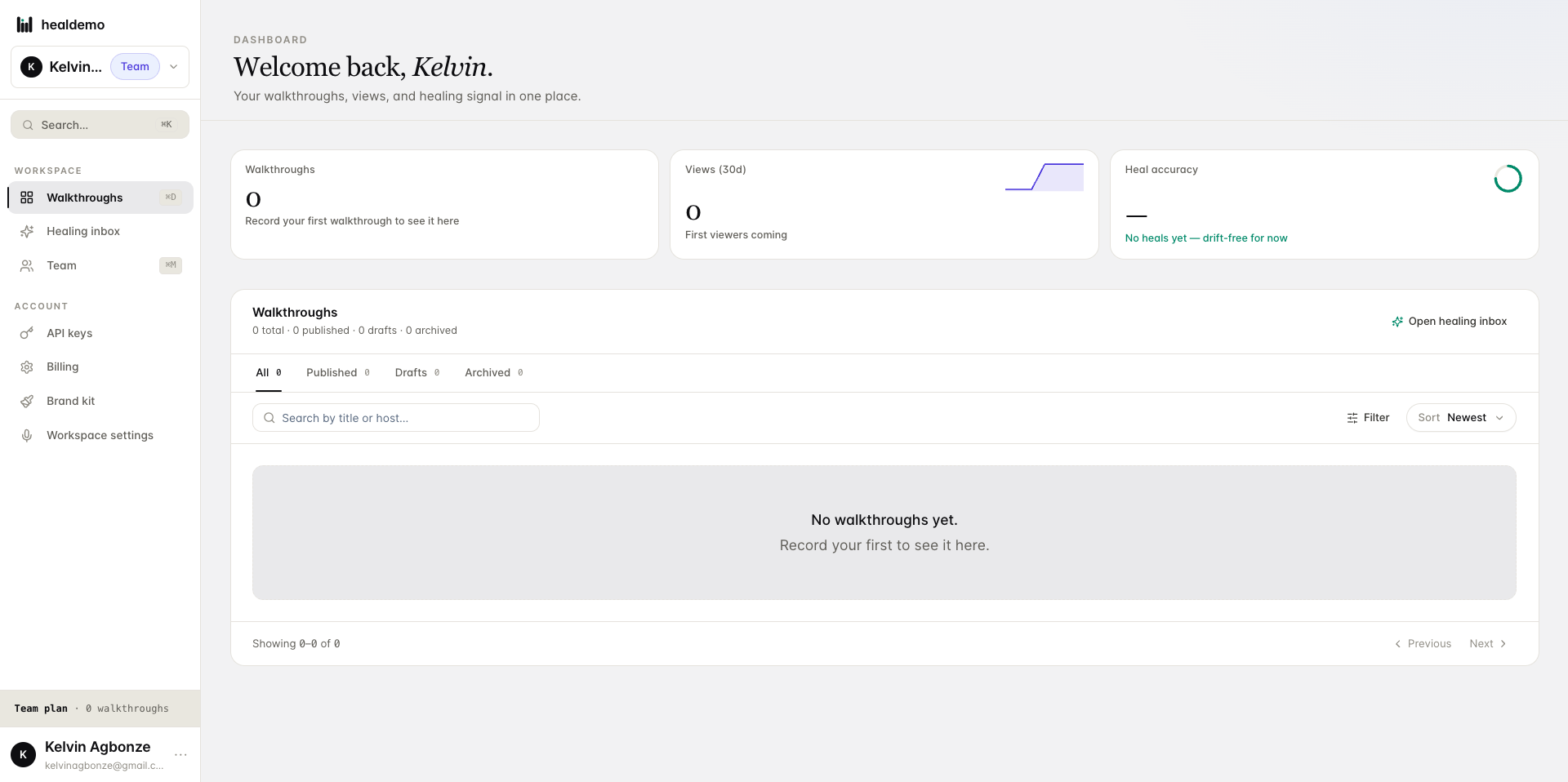
Click Walkthroughs to browse and manage all your product tours in one place.
- Access the healing inbox to view pending or resolved issues.
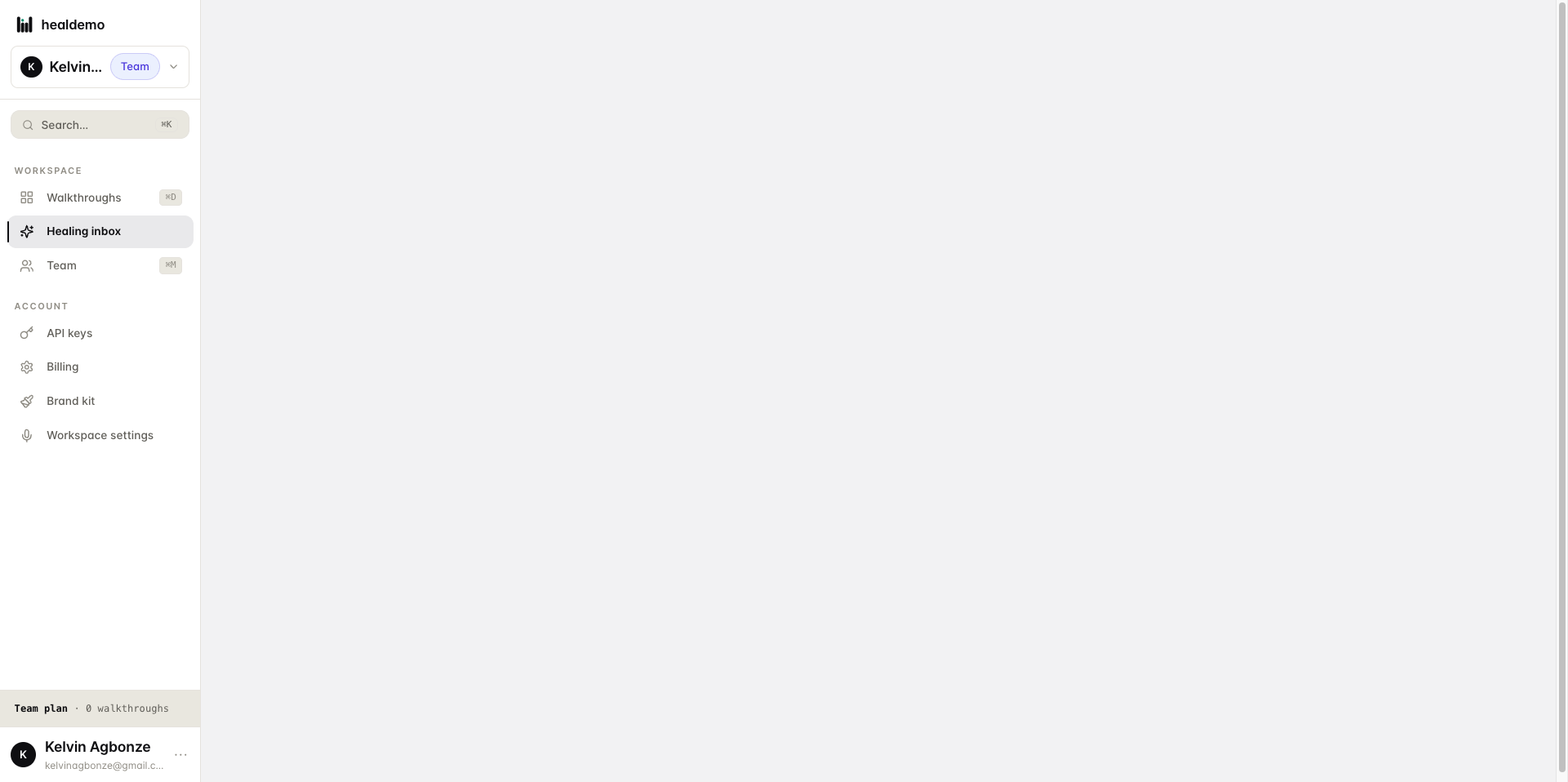
Click Healing inbox to review all pending and resolved issues flagged for your attention.
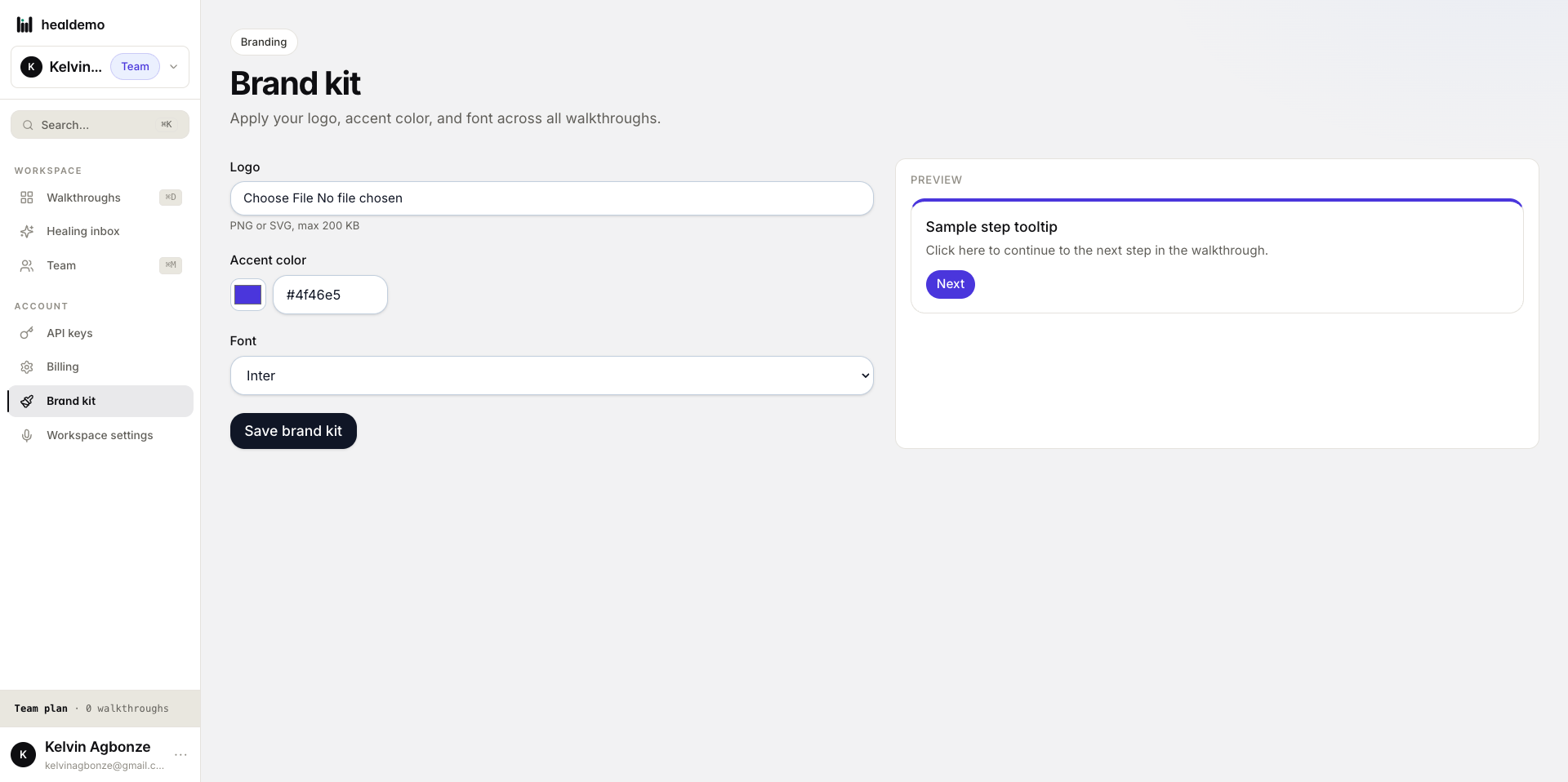
- Navigate to the Brand kit section.
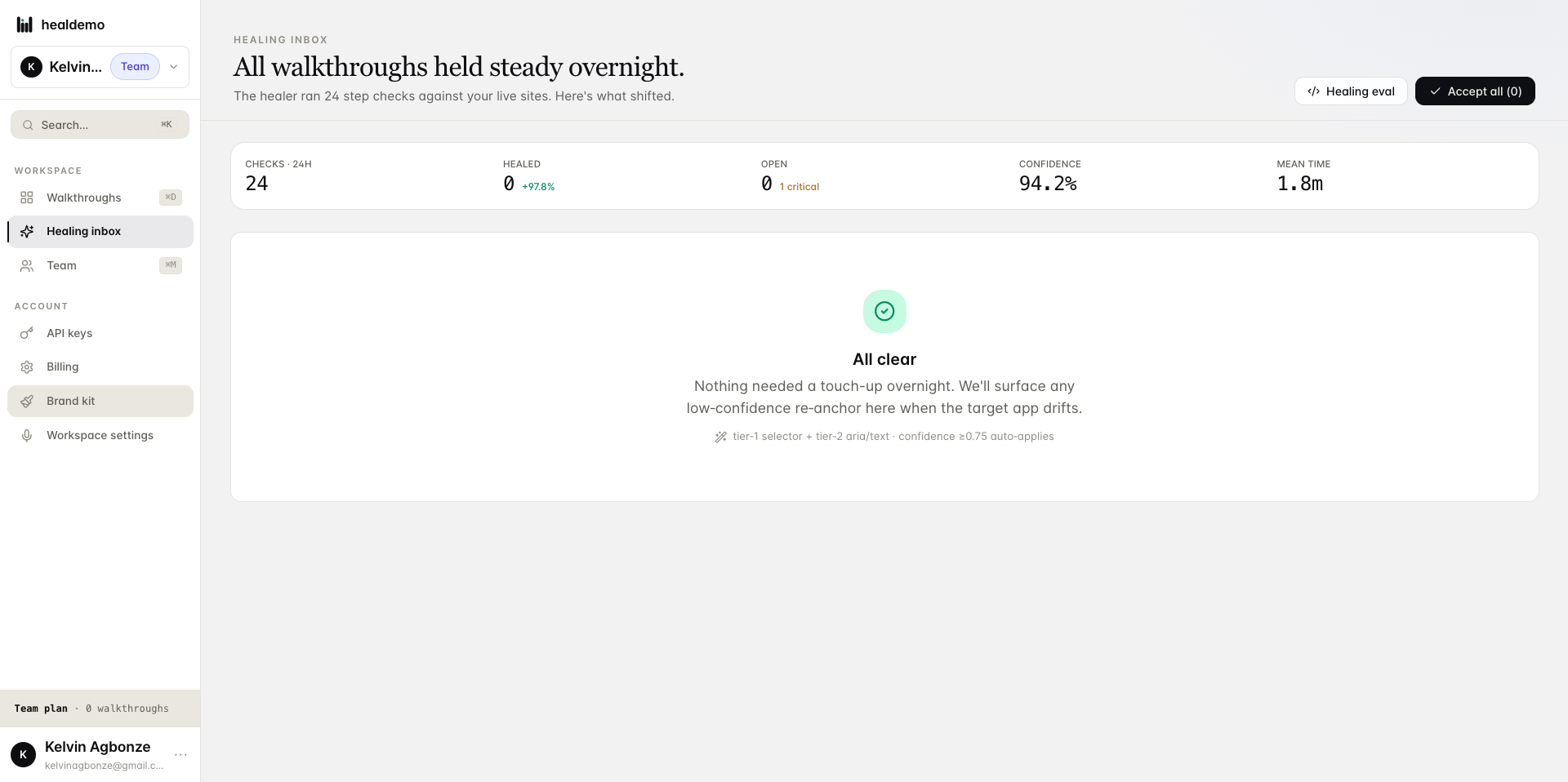
Click Brand kit to manage your logos, colors, and fonts in one place.
- Navigate to the workspace settings page
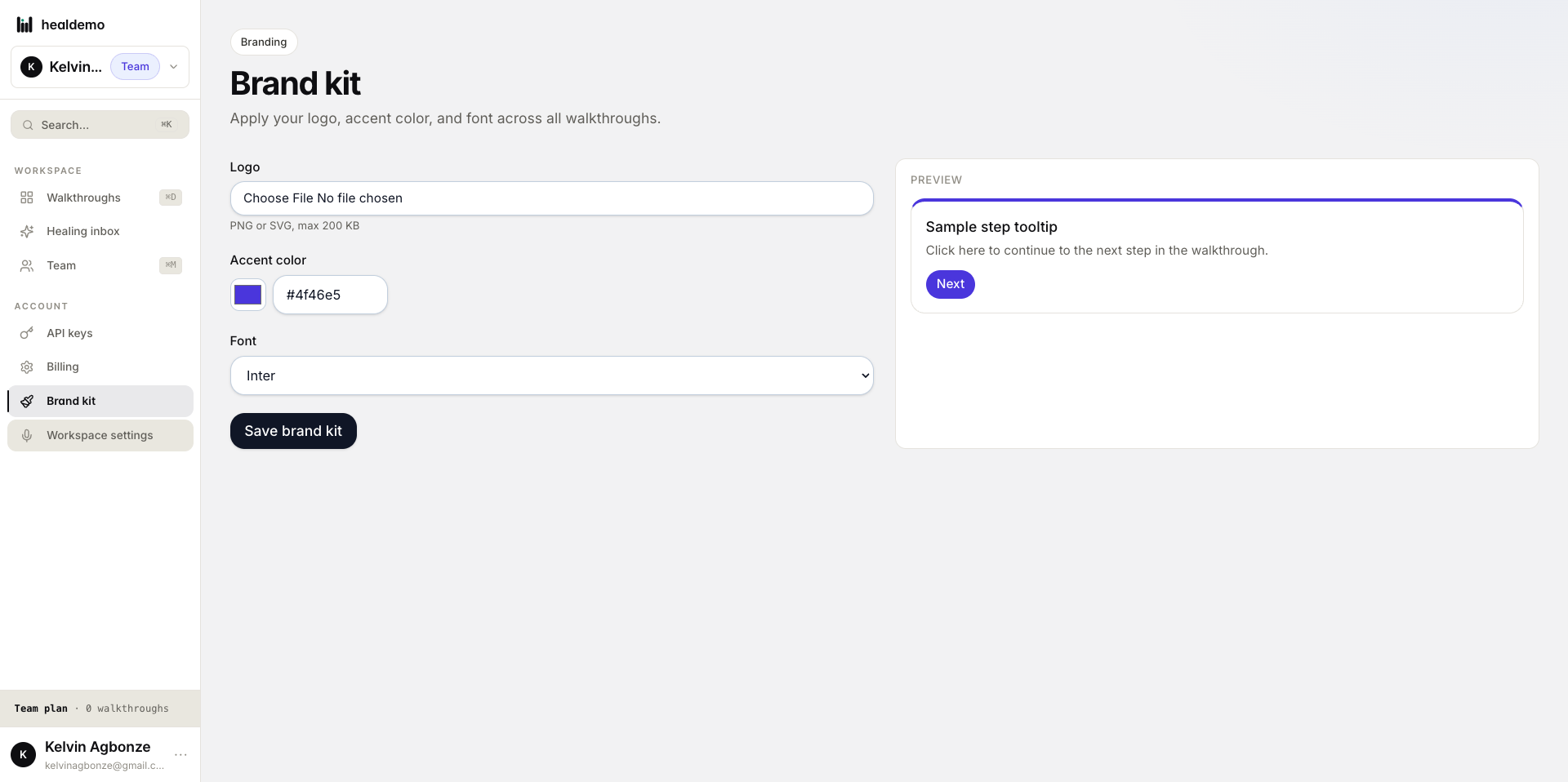
Click Workspace settings to manage your workspace's name, members, and preferences.
- Select a narration voice for AI-generated walkthrough step voiceovers.
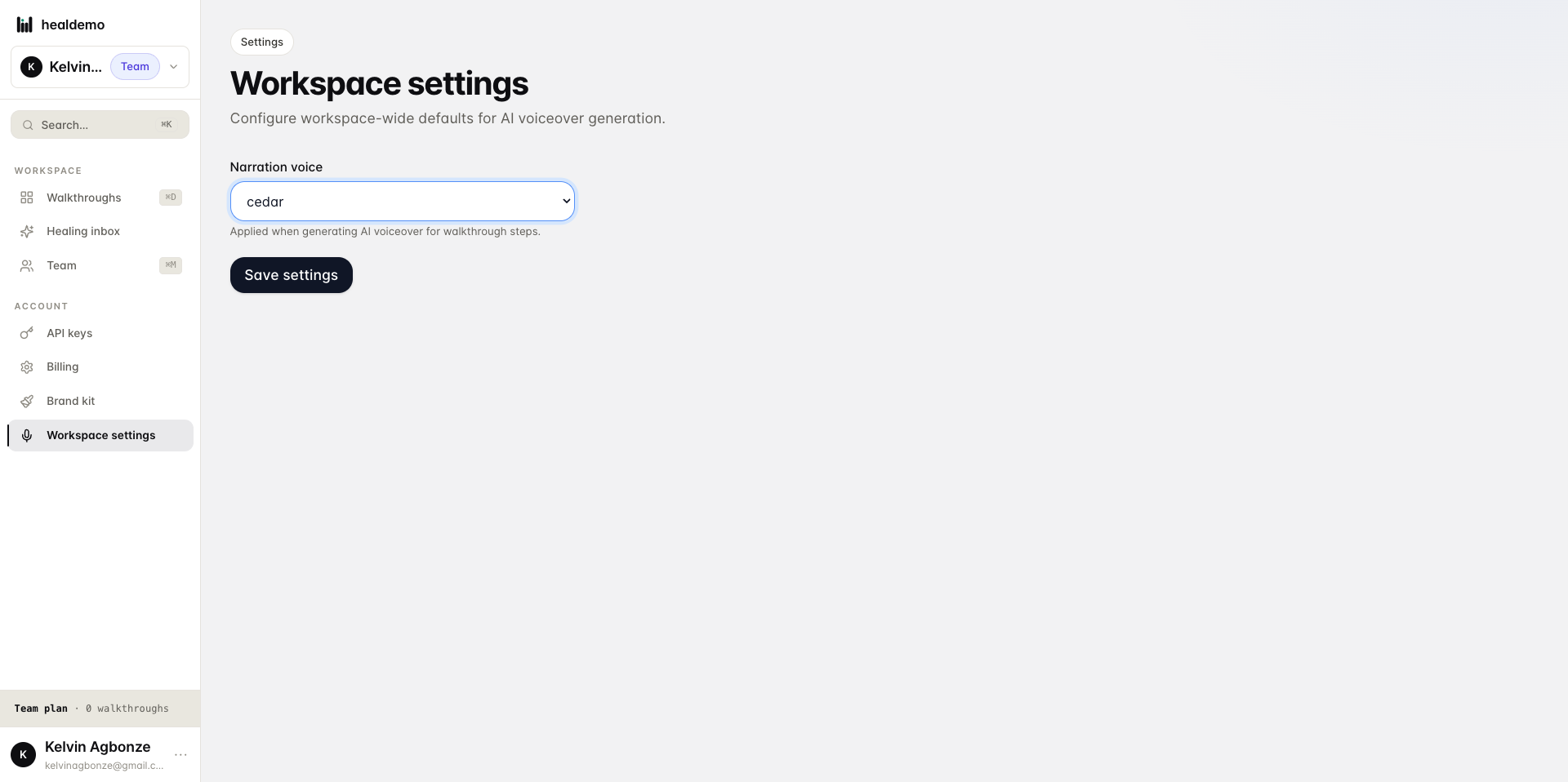
Choose a narration voice to use for AI-generated voiceovers throughout your walkthrough steps.
- Interact with span.flex-1
Choose this item to select it and move to the next step.
Generated by Heal Demo. Regenerates when the walkthrough heals.