Walkthrough from healdemo.com
This guide walks through walkthrough from healdemo.com at healdemo.com.
Steps
- Navigate to or view the Walkthroughs section.
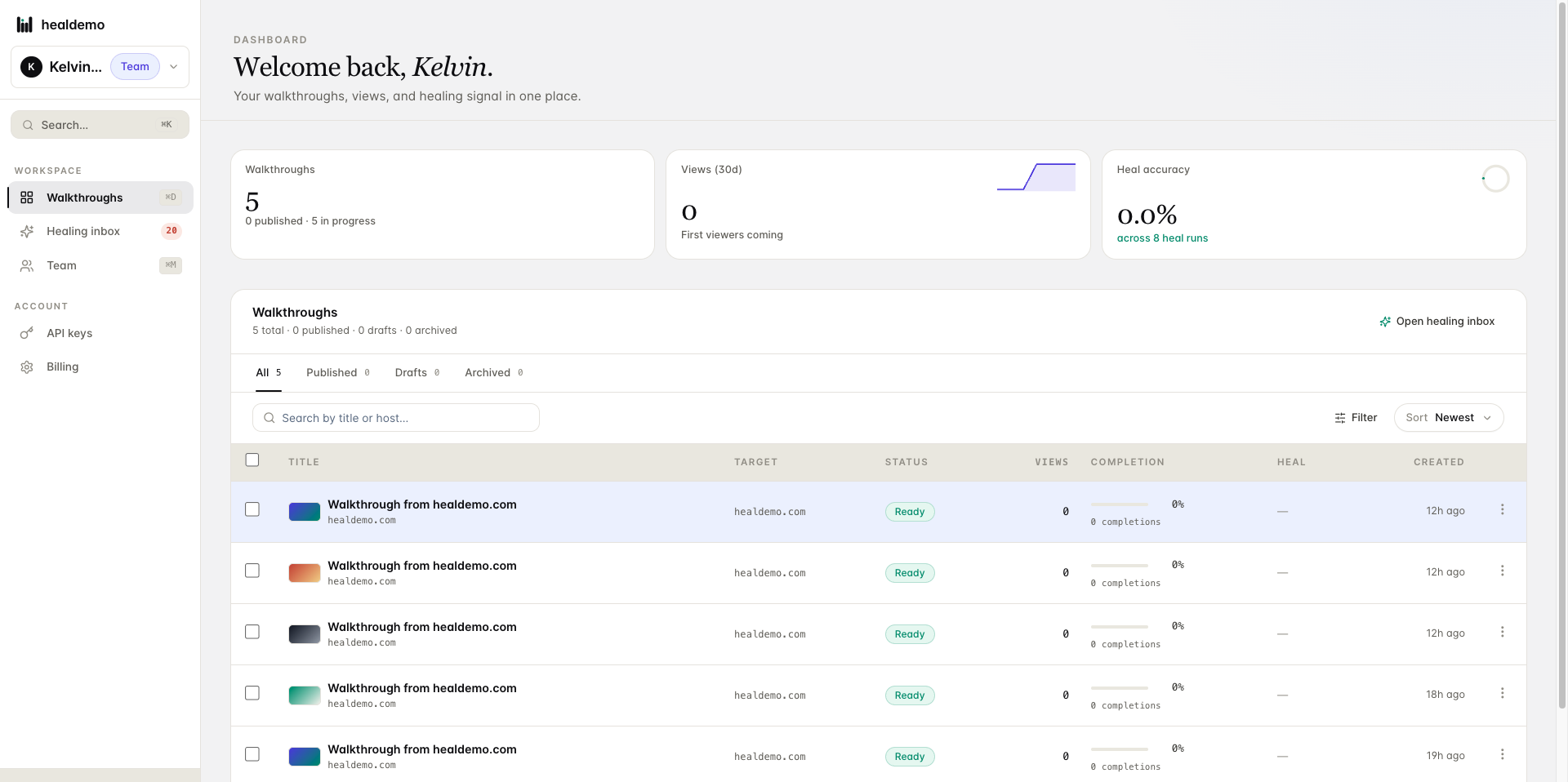
Click Walkthroughs to see all guided tours available in your product.
- Access the healing inbox to view pending or resolved walkthroughs.
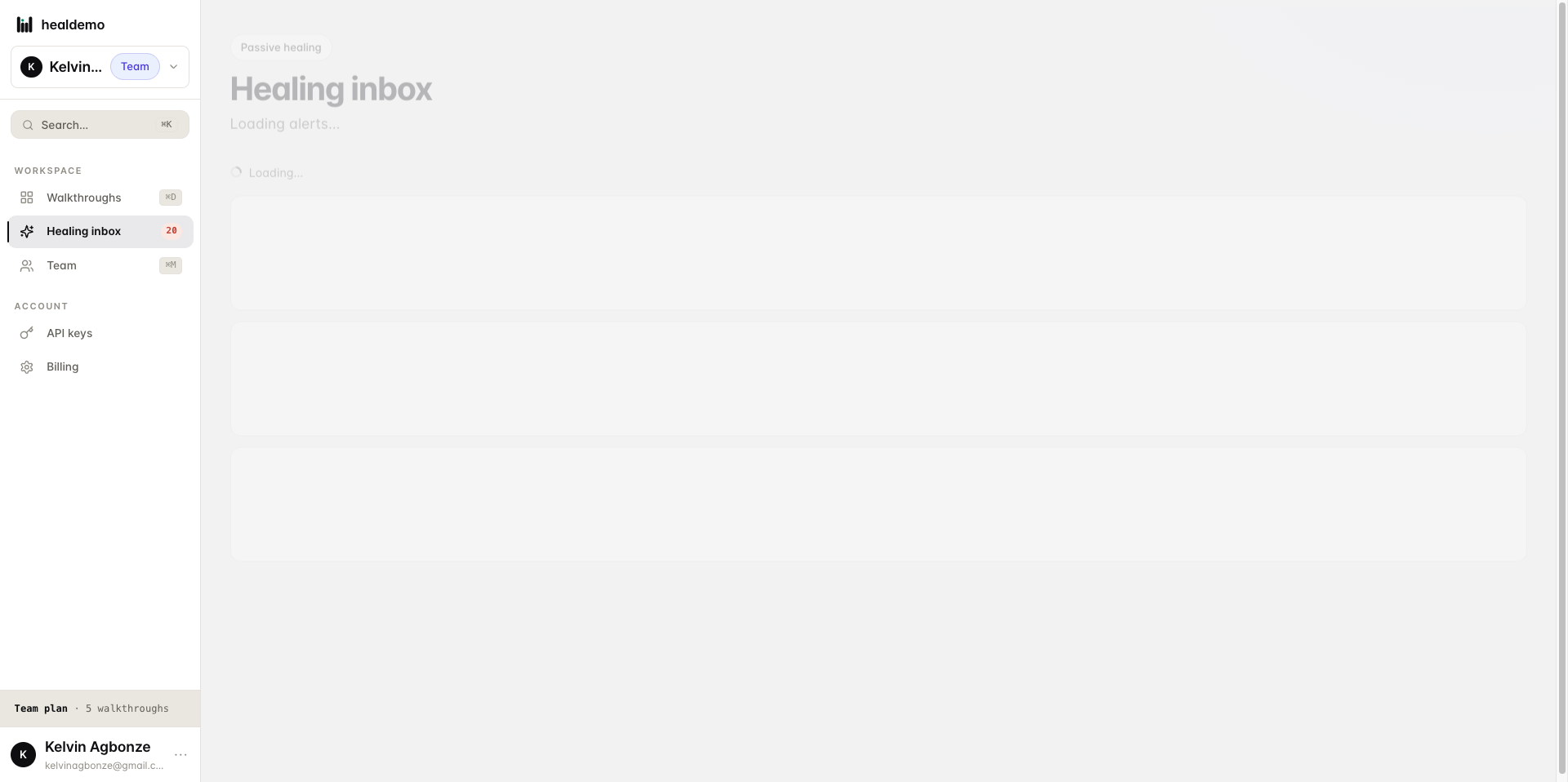
Click Healing inbox to view all your pending and resolved walkthroughs in one place.
- Interact with the Heal Demo homepage
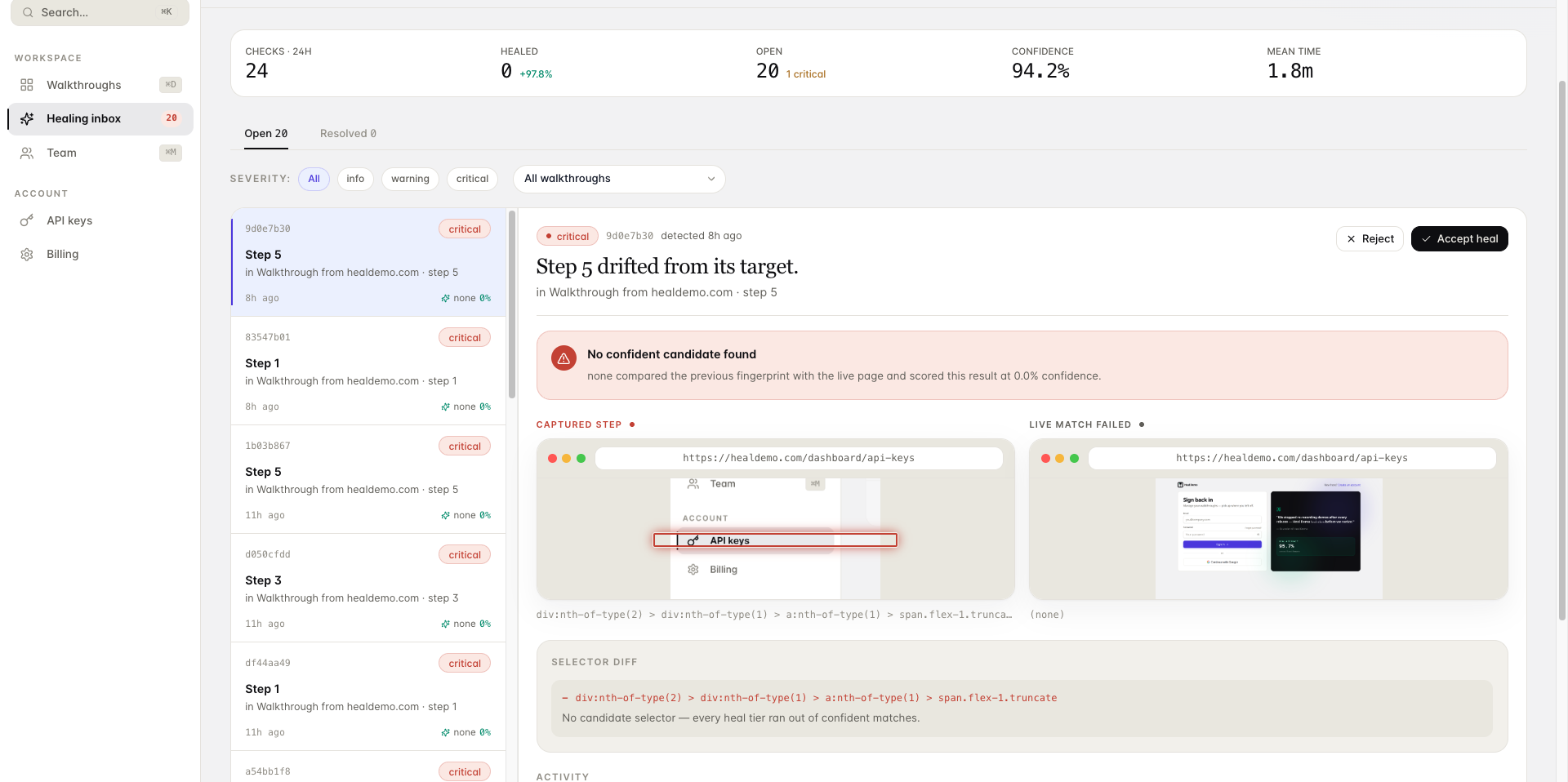
Could you share more details about the specific UI element you'd like tooltip copy for? For example:
- *Which element
- Navigate to the Team section
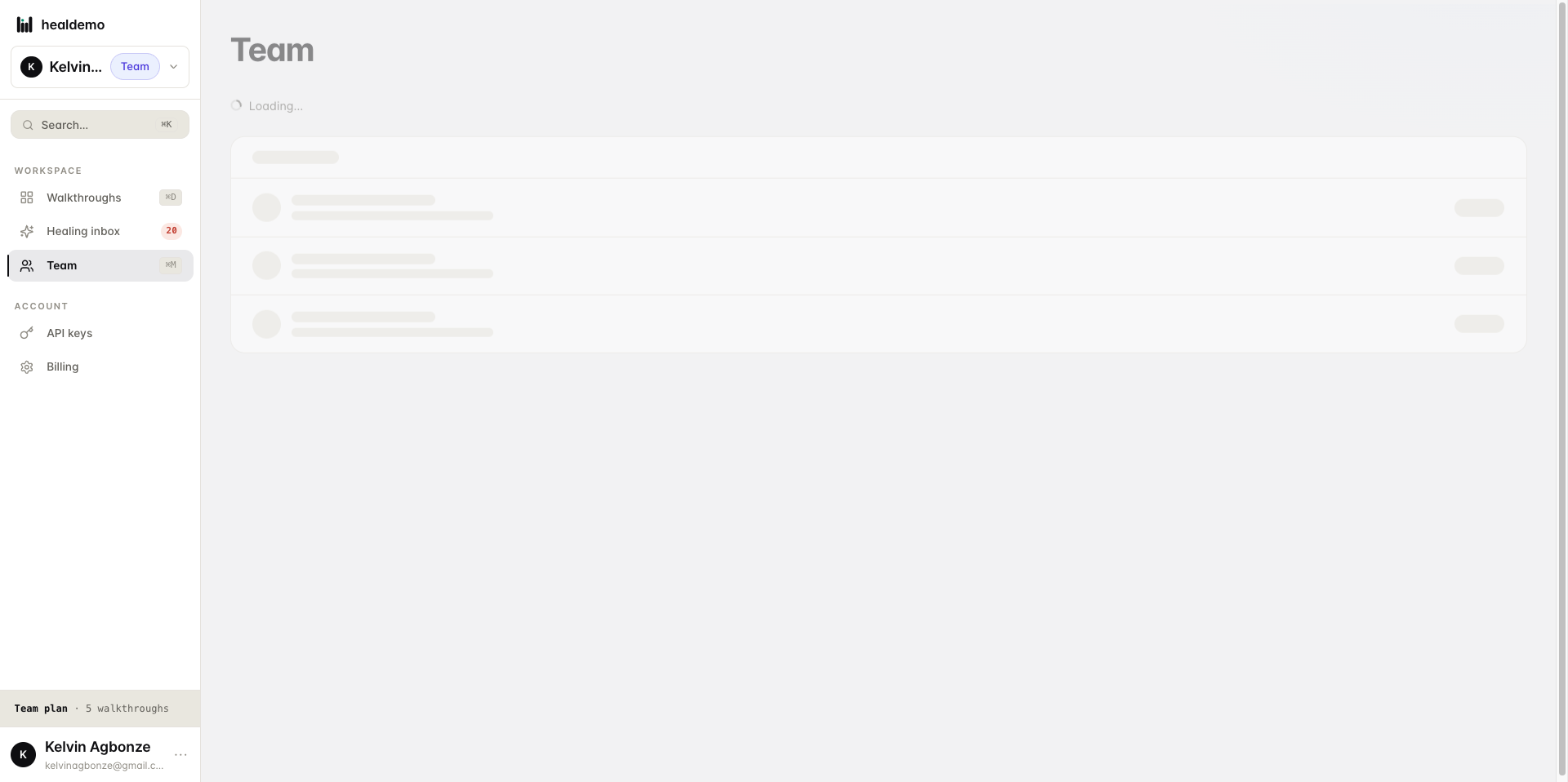
Click Team to view and manage your team members and their roles.
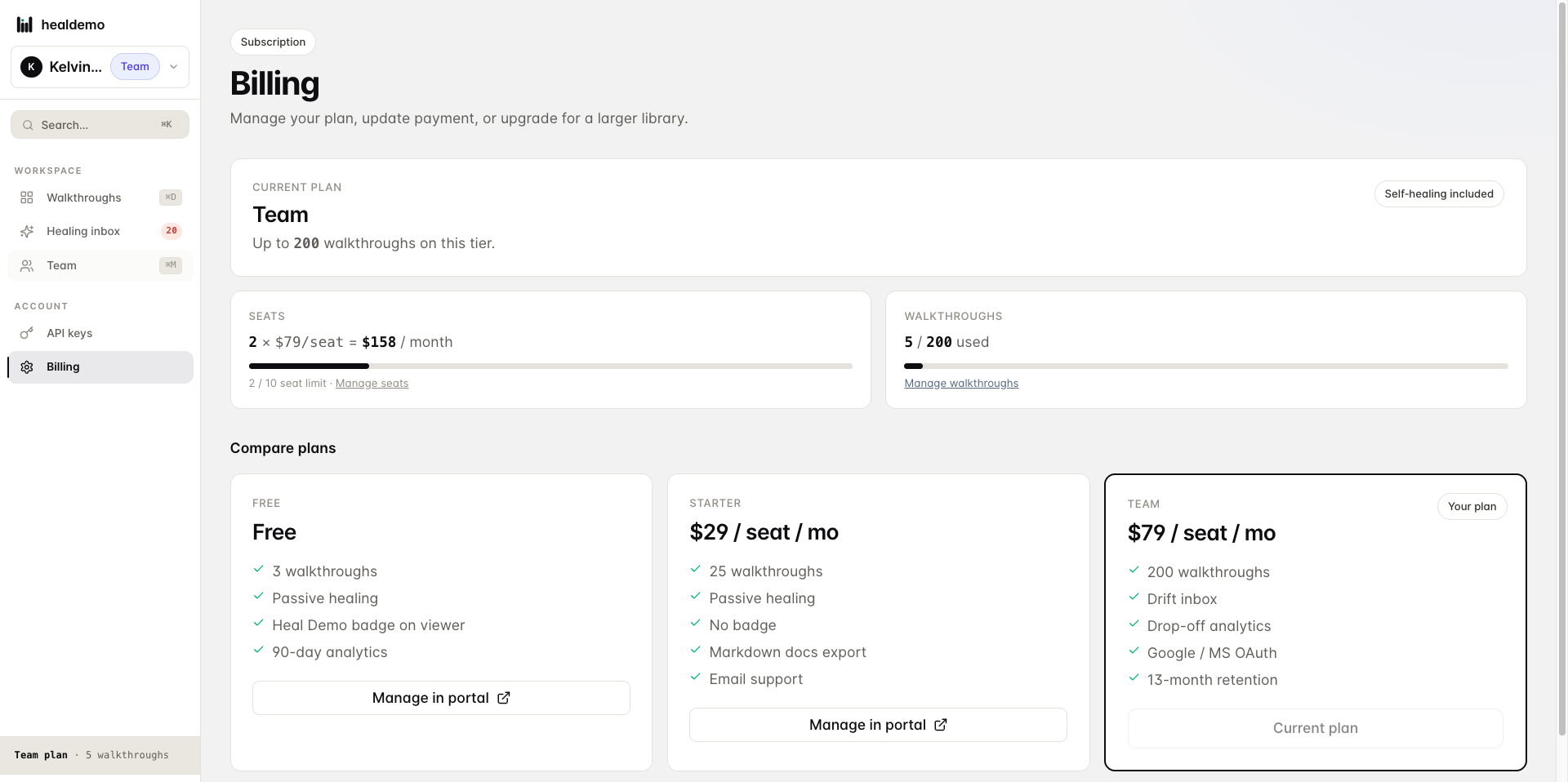
- Navigate to the Billing section.
Click Billing to manage your invoices, payment methods, and subscription details.
- Interact with the Heal Demo webpage.
It looks like your message may be incomplete — could you share more details about what you'd like to do on the Heal Demo
Generated by Heal Demo. Regenerates when the walkthrough heals.