Walkthrough from healdemo.com
This guide walks through walkthrough from healdemo.com at healdemo.com.
Steps
- Navigate to or view the Walkthroughs section.
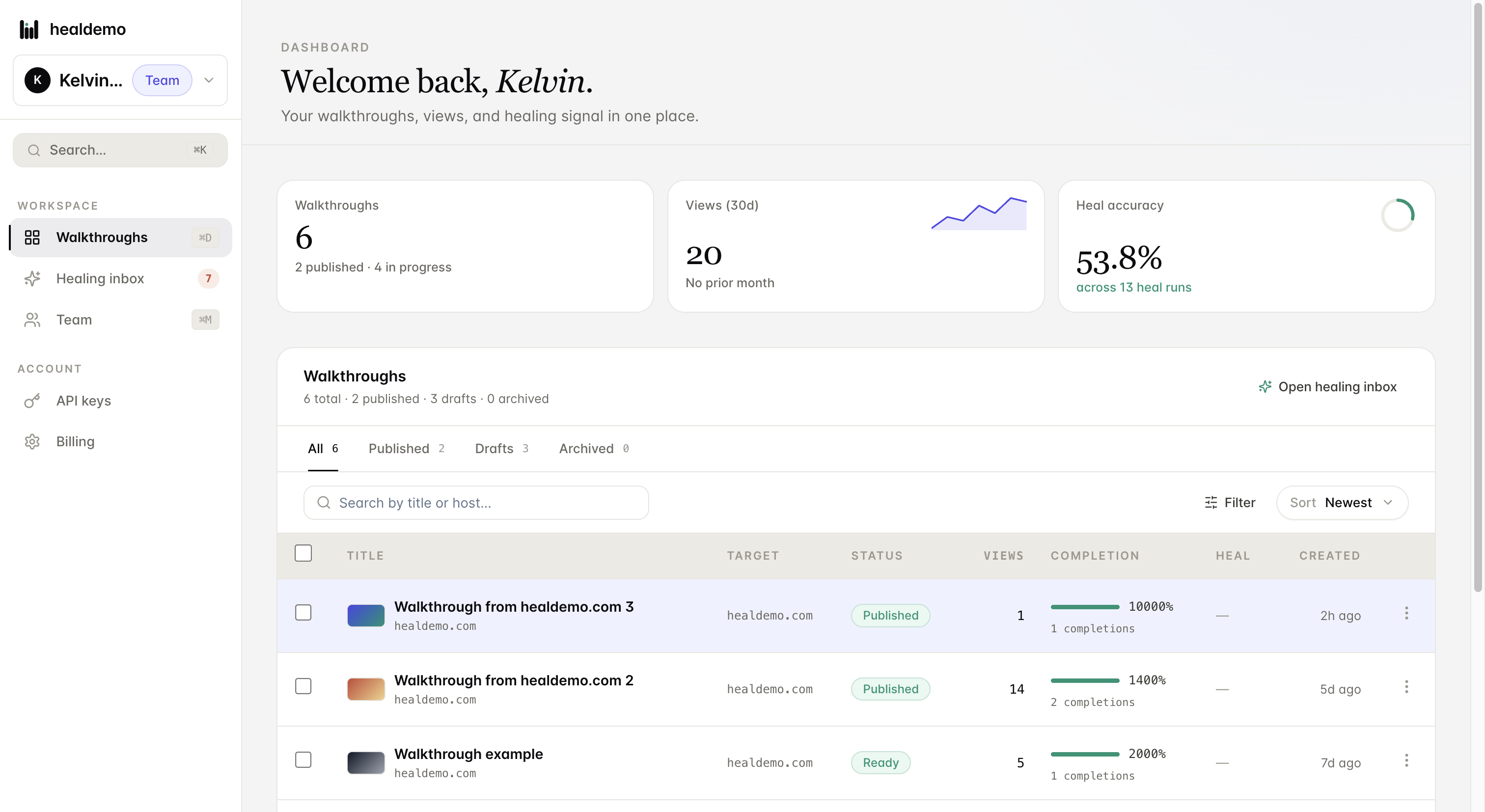
Click Walkthroughs to browse and manage all your guided product tours in one place.
- Navigate to the API keys section.
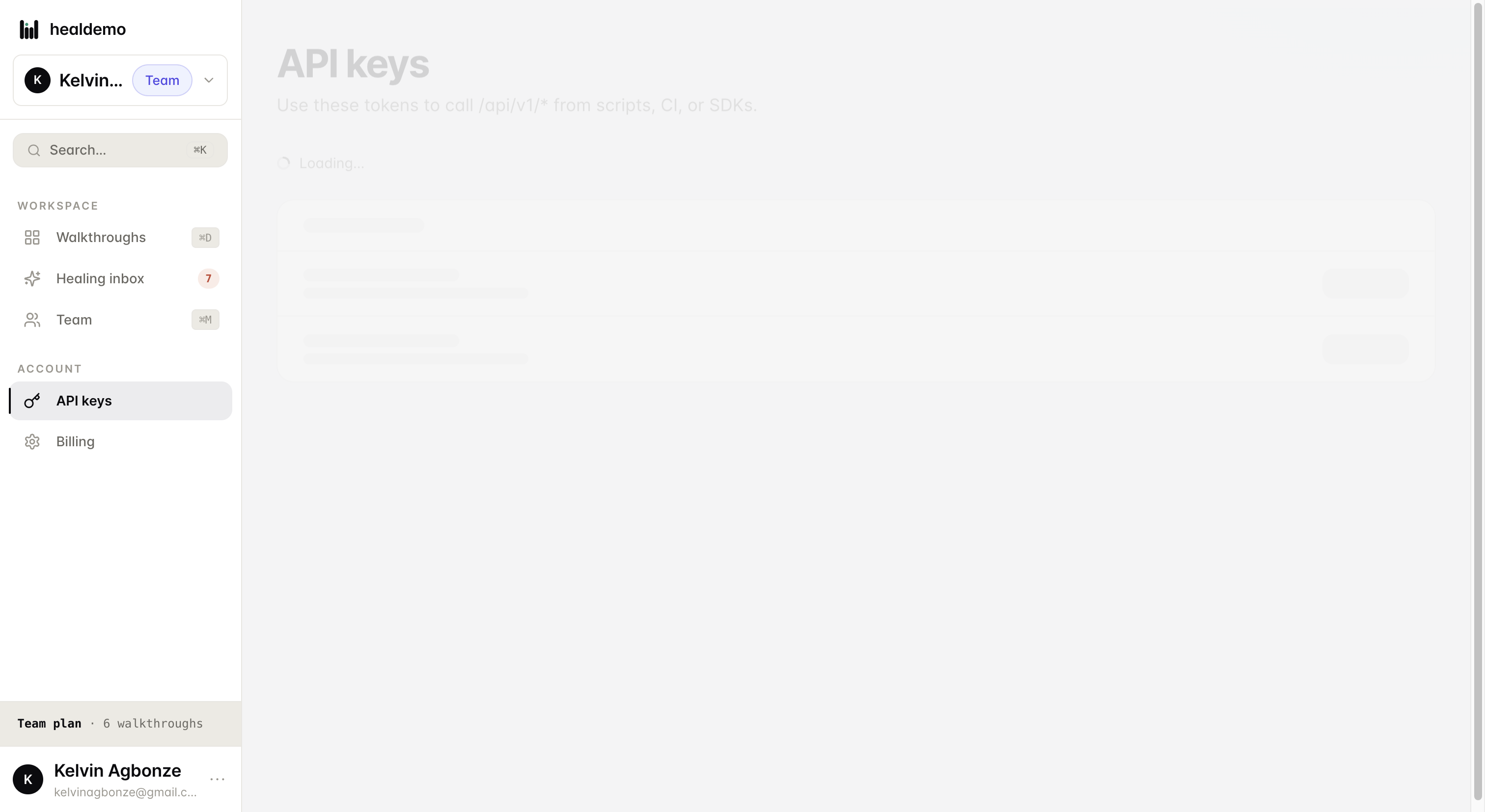
Click API keys to manage, create, or revoke the keys your integrations use to authenticate.
- Navigate to the Team section
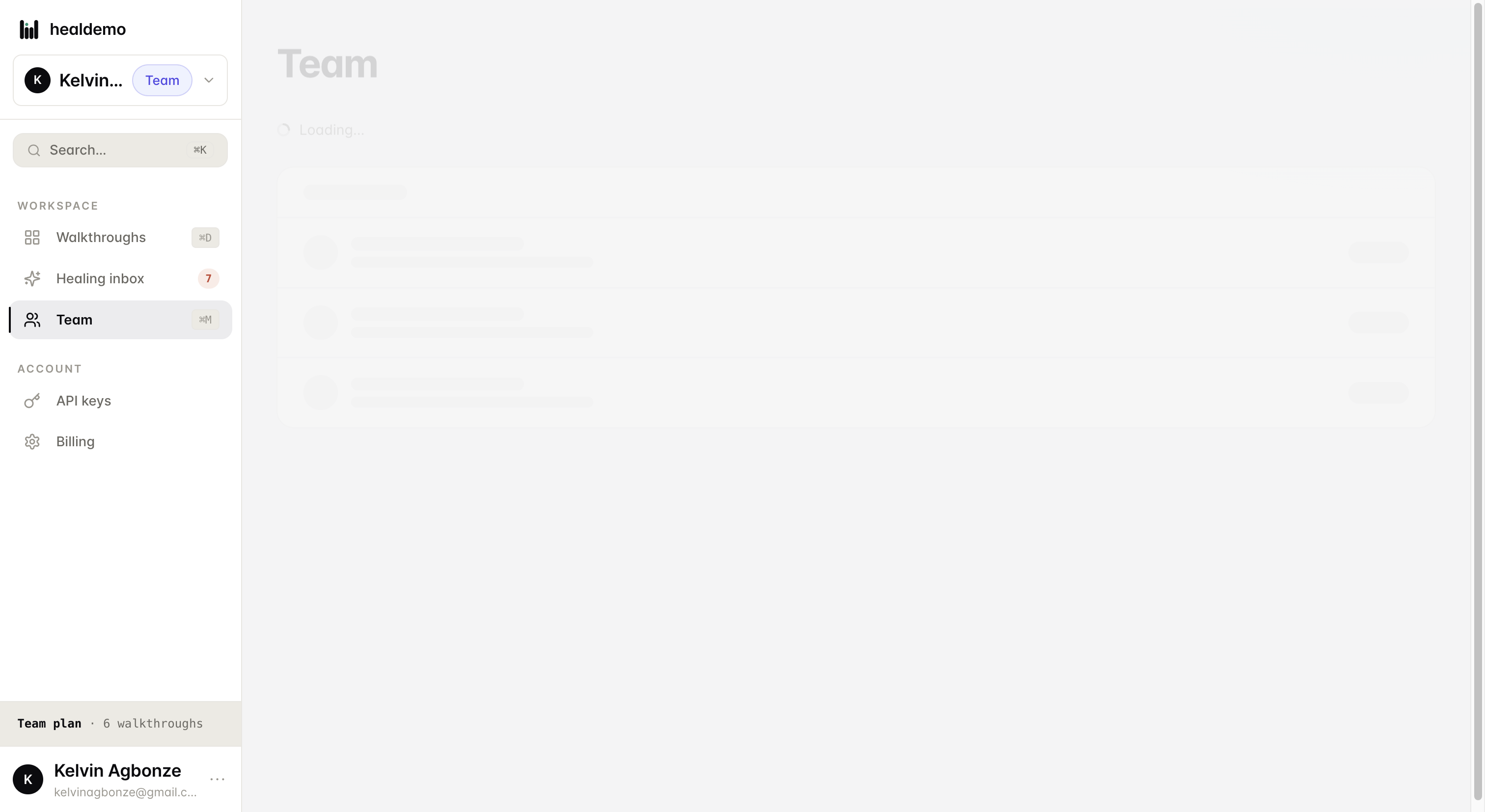
Click Team to view and manage all members of your workspace.
- Open the healing inbox to view pending self-healing tasks.
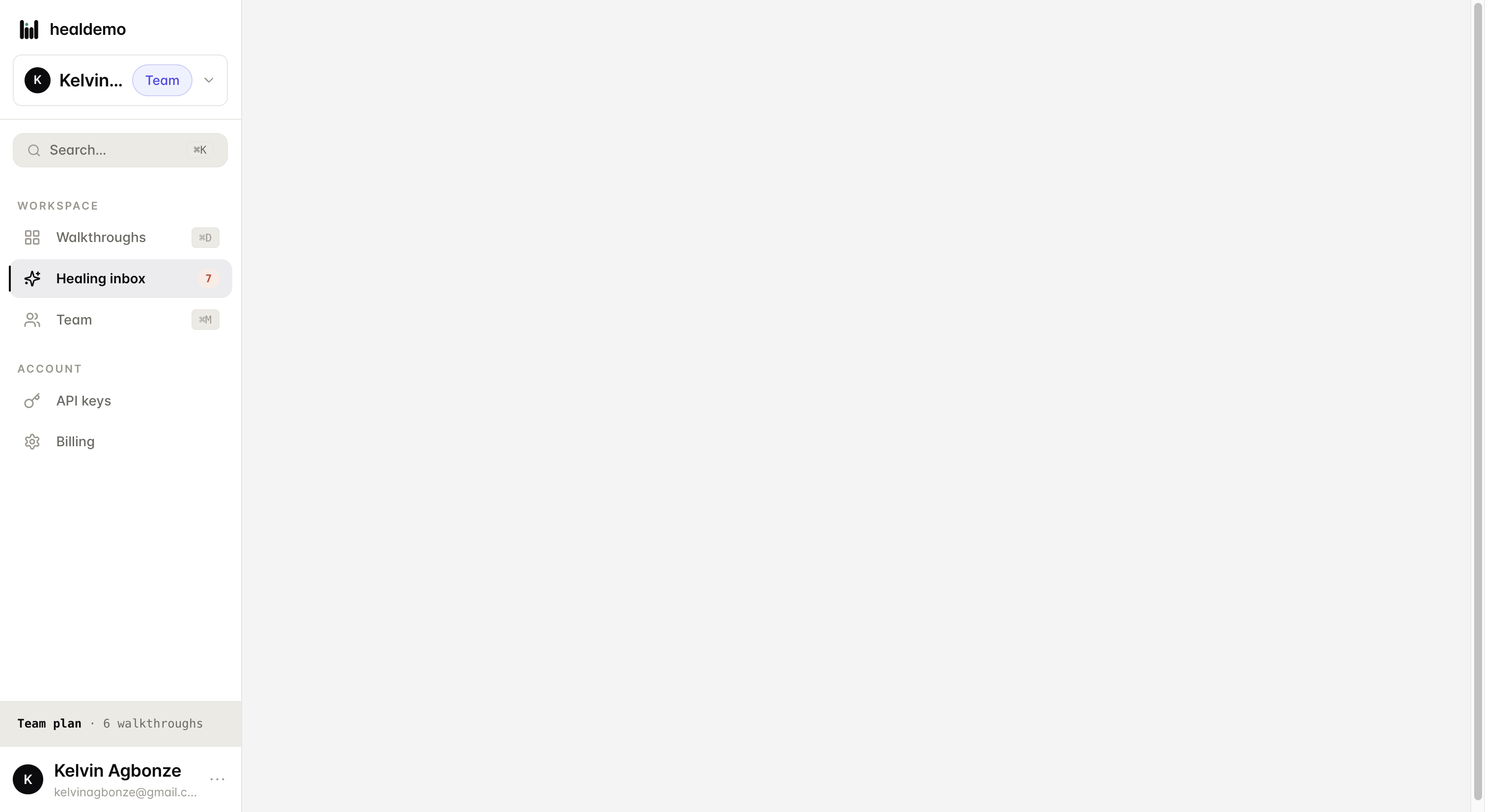
Click Healing inbox to view and manage all pending self-healing tasks waiting for your review.
Generated by Heal Demo. Regenerates when the walkthrough heals.