Walkthrough from healdemo.com
This guide walks through walkthrough from healdemo.com at healdemo.com.
Steps
- View the healing inbox to review and manage self-healing updates.
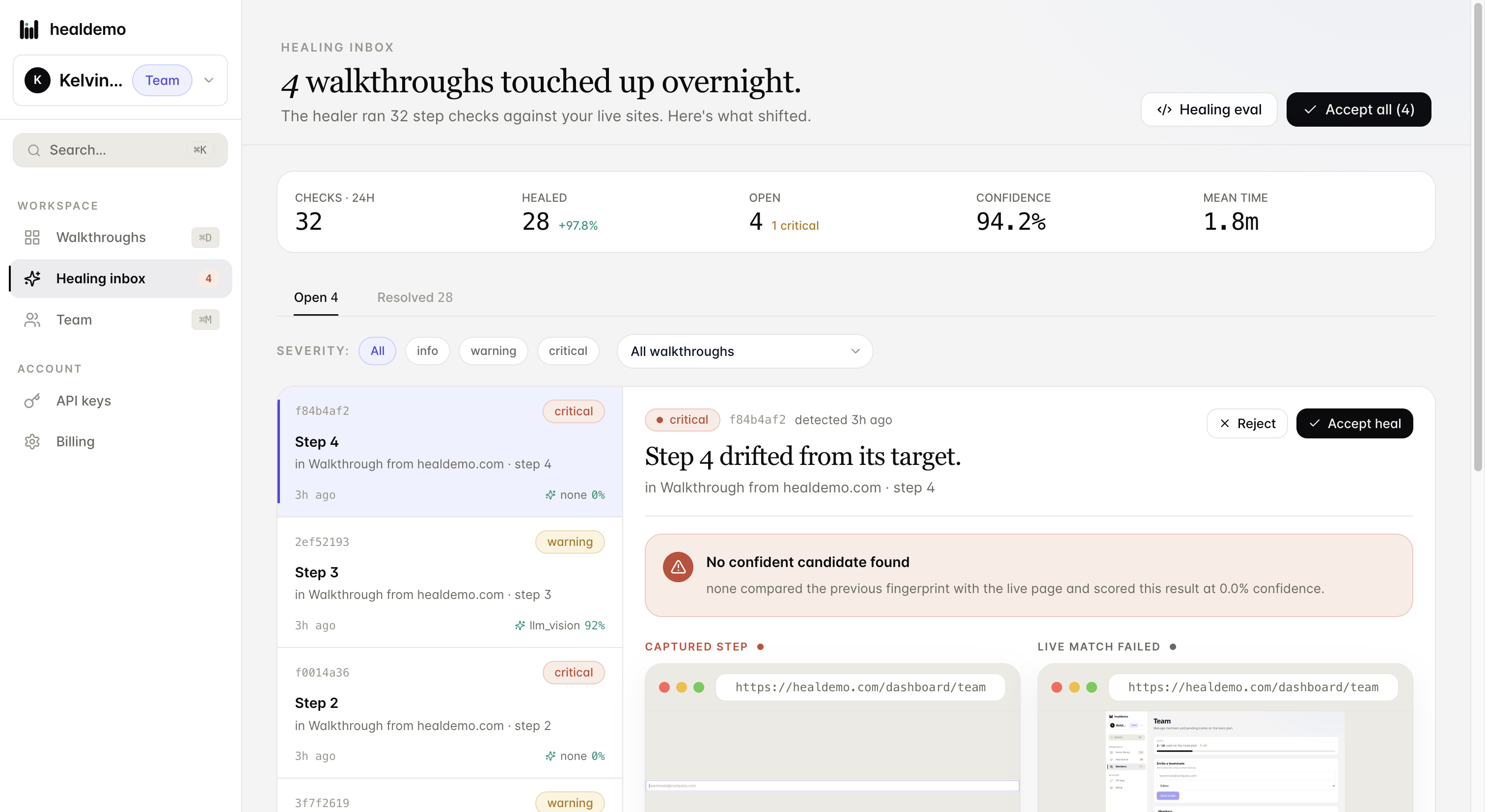
Click Healing inbox to review and manage all pending self-healing updates in one place.
- View or navigate to the Walkthroughs section.
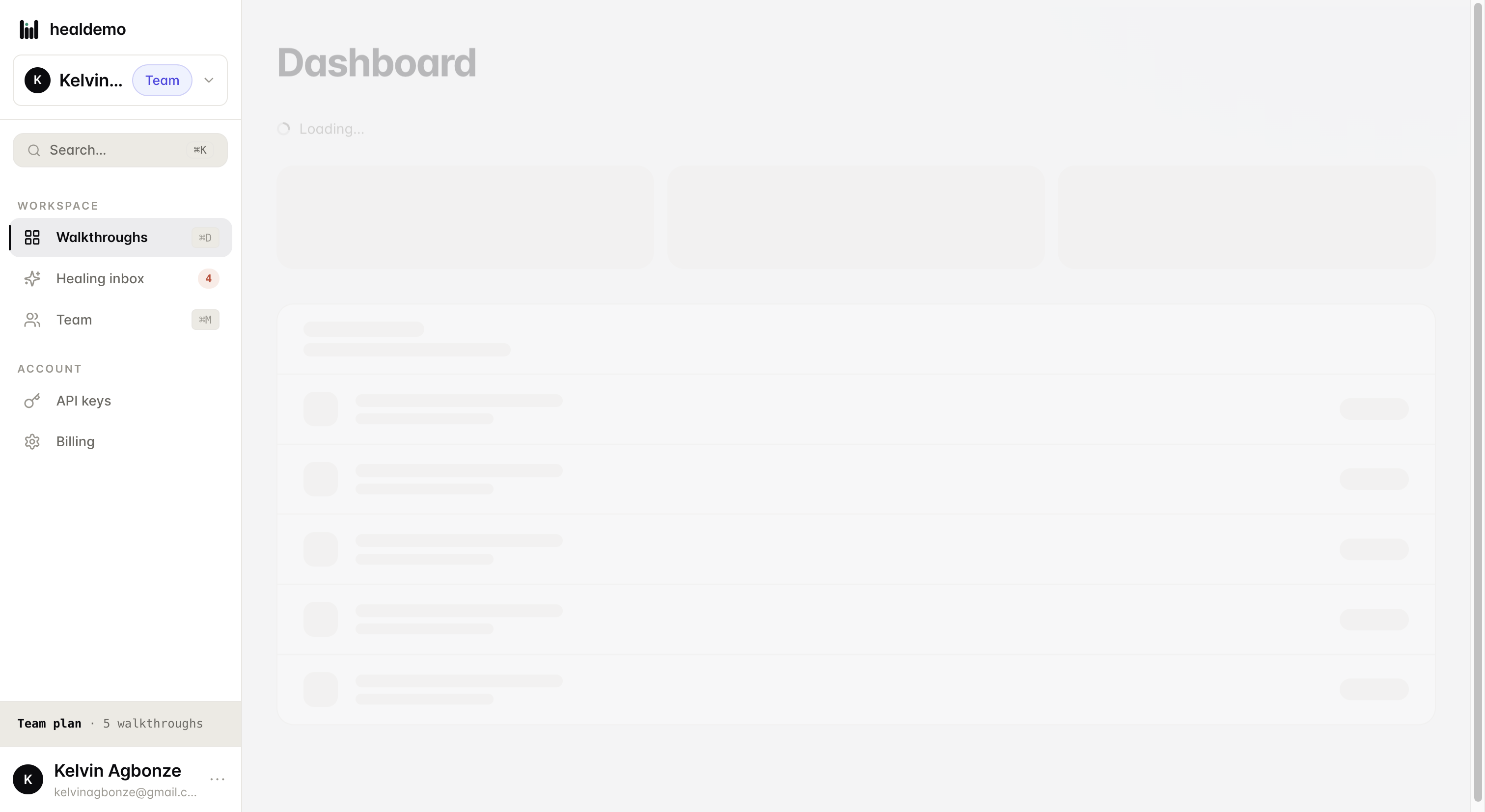
Click Walkthroughs to browse and manage all your product tours in one place.
- Navigate to or open the Team section
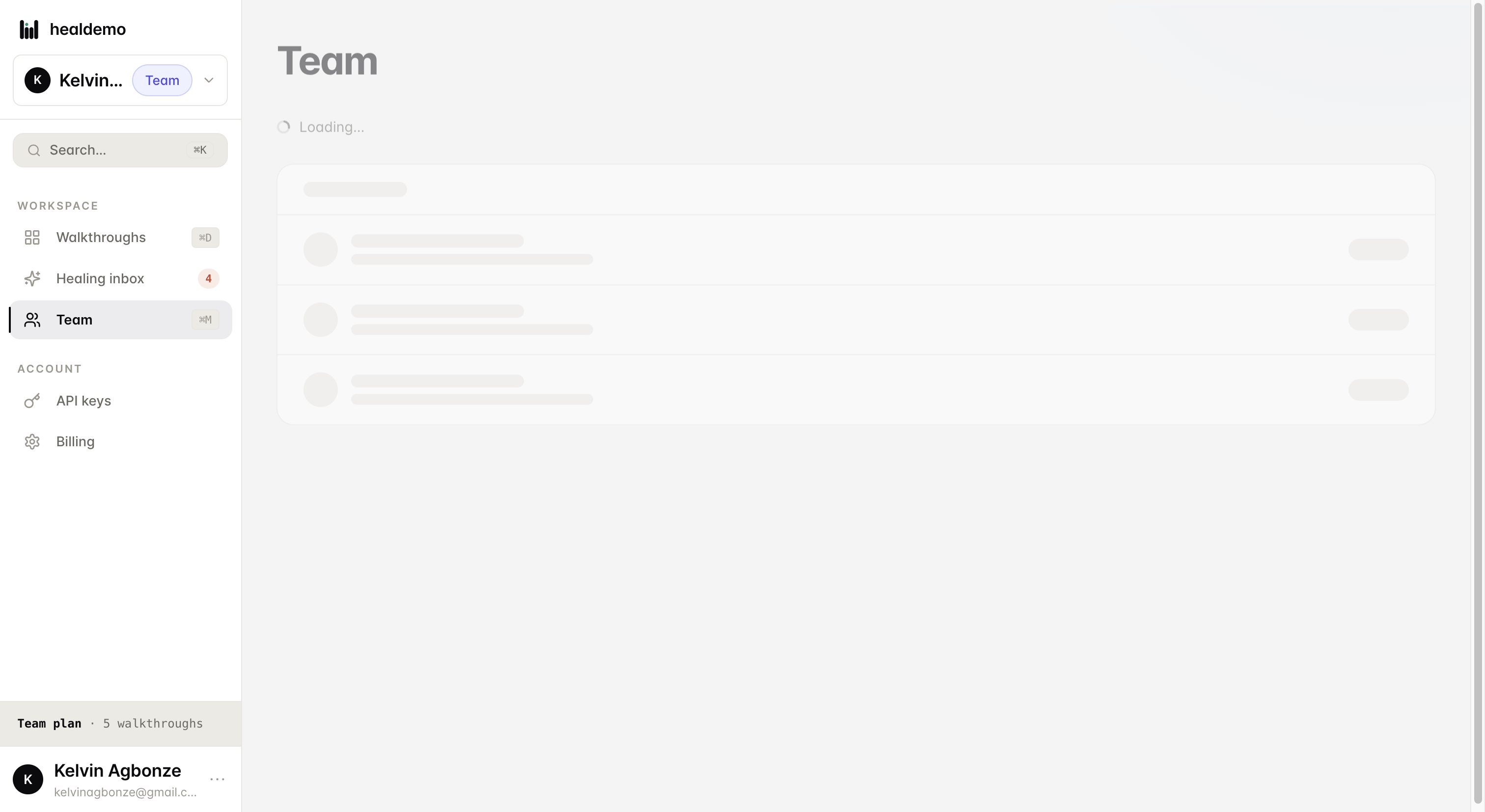
Click Team to view and manage your team members and their roles.
- Manage or view API keys for authentication purposes
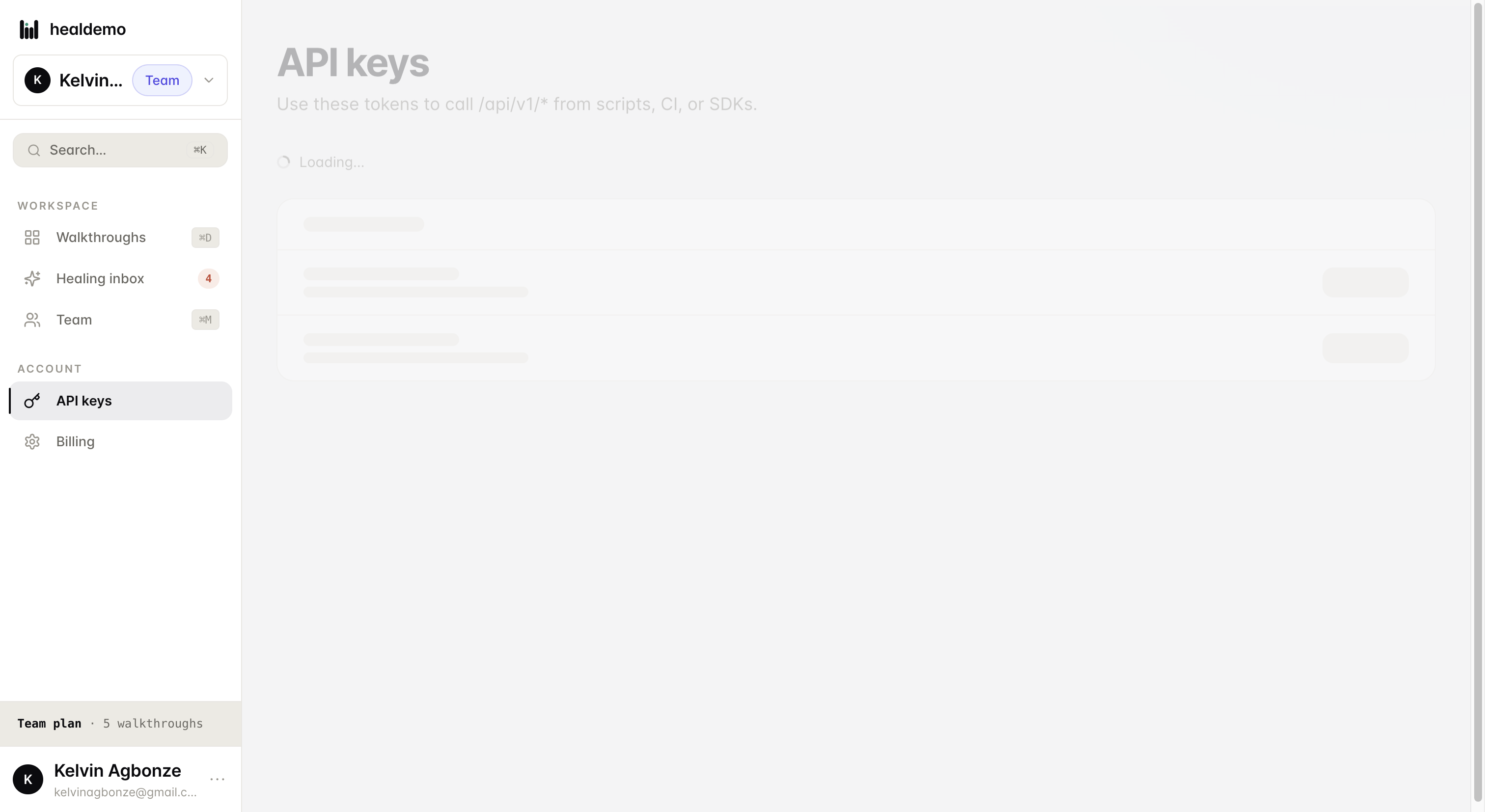
Click API keys to create, view, or revoke the keys used to authenticate your API requests.
Generated by Heal Demo. Regenerates when the walkthrough heals.