Docgic: Generate and review your first contract
This guide walks through docgic: generate and review your first contract at docgic.com.
Steps
- Sign up to generate a contract for free.

Click "Generate Your First Contract Free" to create your first contract at no cost—no credit card required.
- Sign up to generate a contract for free.
Click "Generate Your First Contract Free" to create your first contract at no cost—no credit card required.
- Enter first name in the sign-up form.
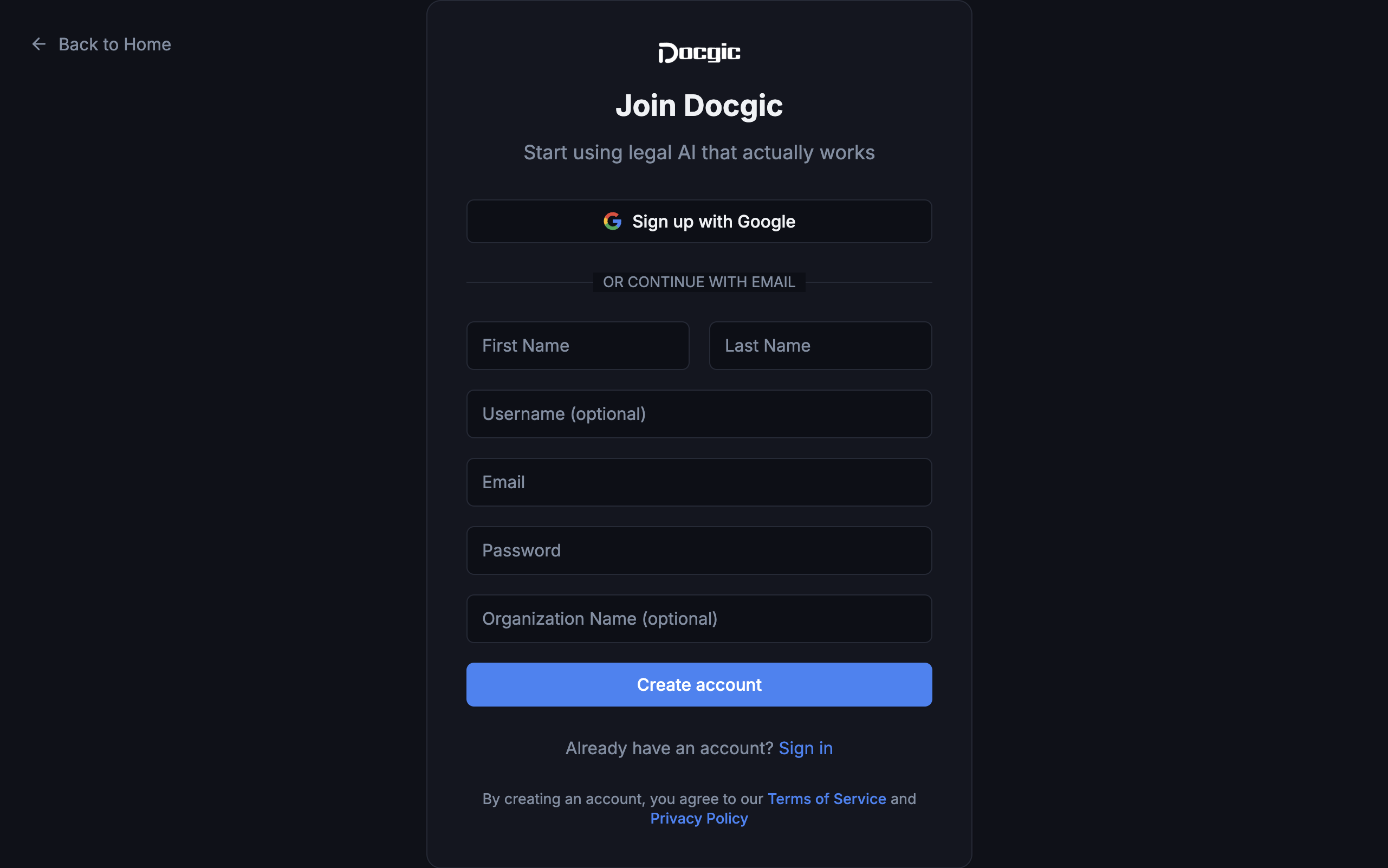
Enter your first name exactly as you'd like it to appear on your account.
- Enter first name in the sign-up form.
Enter your first name exactly as you'd like it to appear on your account.
- Review how Docgic's contract management process works.

Click "How Docgic Works" to see a step-by-step overview of Docgic's contract management process.
- Review how Docgic's contract management process works.
Click "How Docgic Works" to see a step-by-step overview of Docgic's contract management process.
- Check the contract for potential risks and issues.

Click "Check My Contract — Free" to scan your contract for potential risks, red flags, and issues.
- Check the contract for potential risks and issues.
Click "Check My Contract — Free" to scan your contract for potential risks, red flags, and issues.
Generated by DemoForge. Regenerates when the walkthrough heals.